Manage Clients
You can manage your clients on the Partner Portal.
This section can be found by clicking 'Clients' in the left-hand navigation menu.
From here, you can search for clients by name, or sort them by ID, date created, or date added.
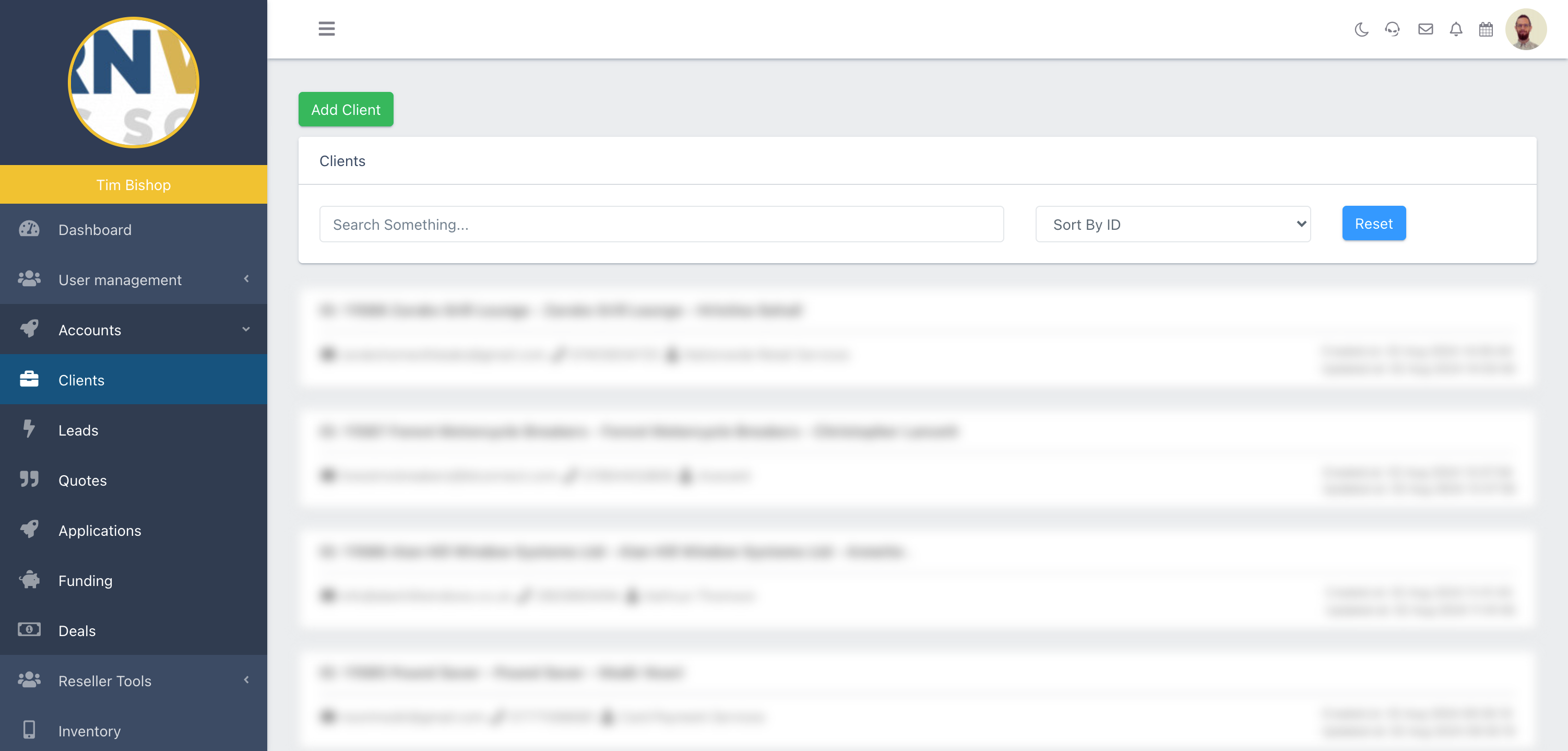
Clients are automatically added to your database when you onboard them via Application, but you can also manually add clients here.
Add a Client
To add a client, click 'Add Client'.
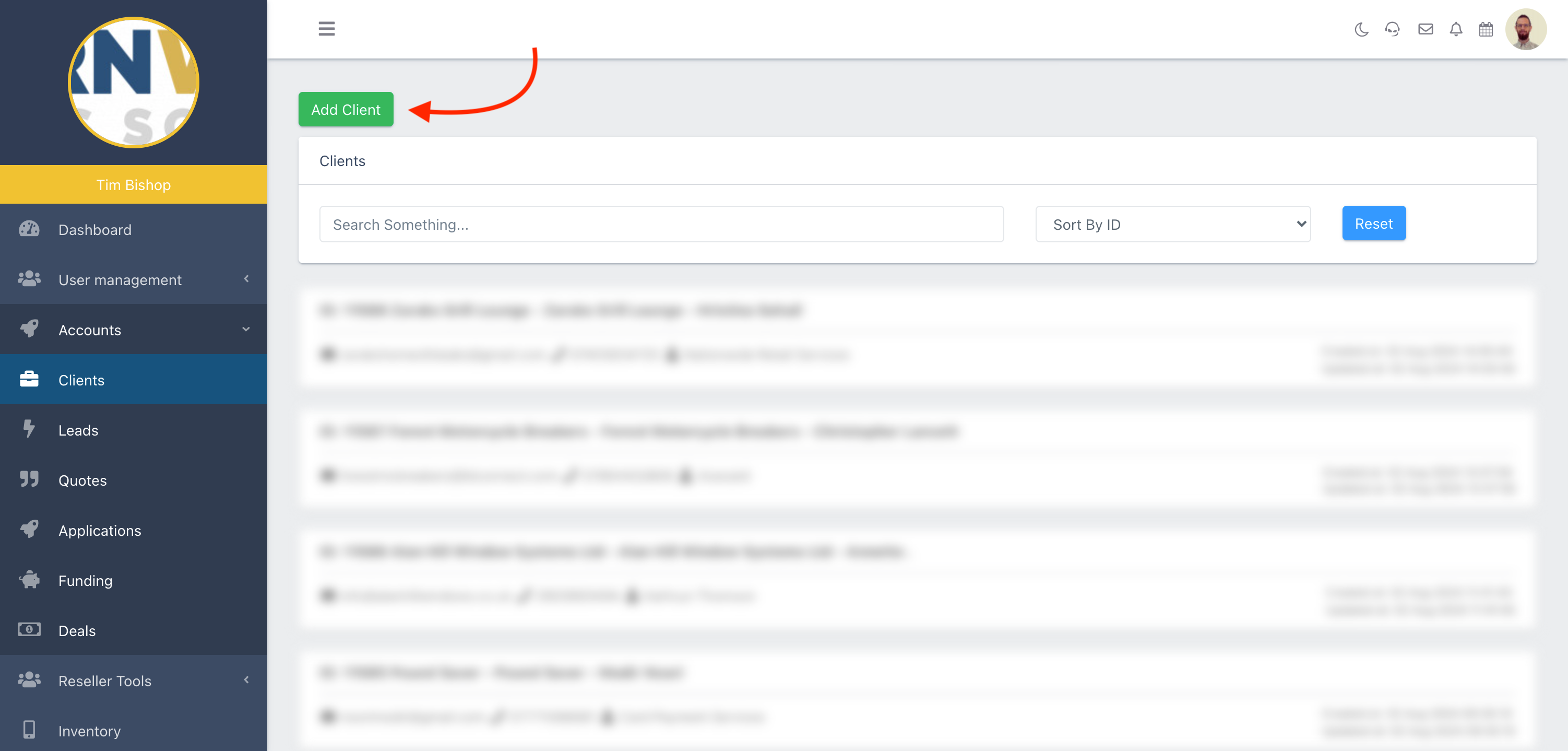
A popup will appear where you can input your new Client's details.
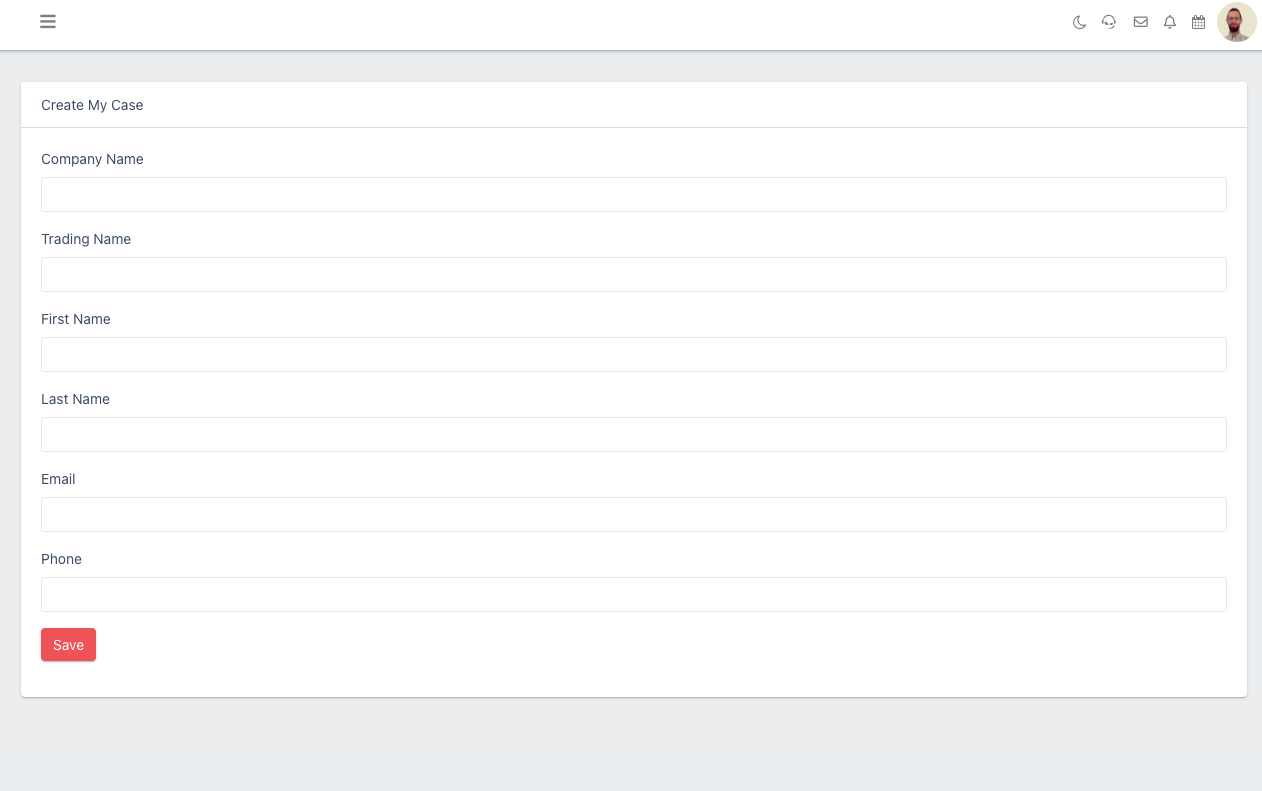
When you've entered the required information, hit 'Save'.
That's it! A new client is in your database.