Applications Overview
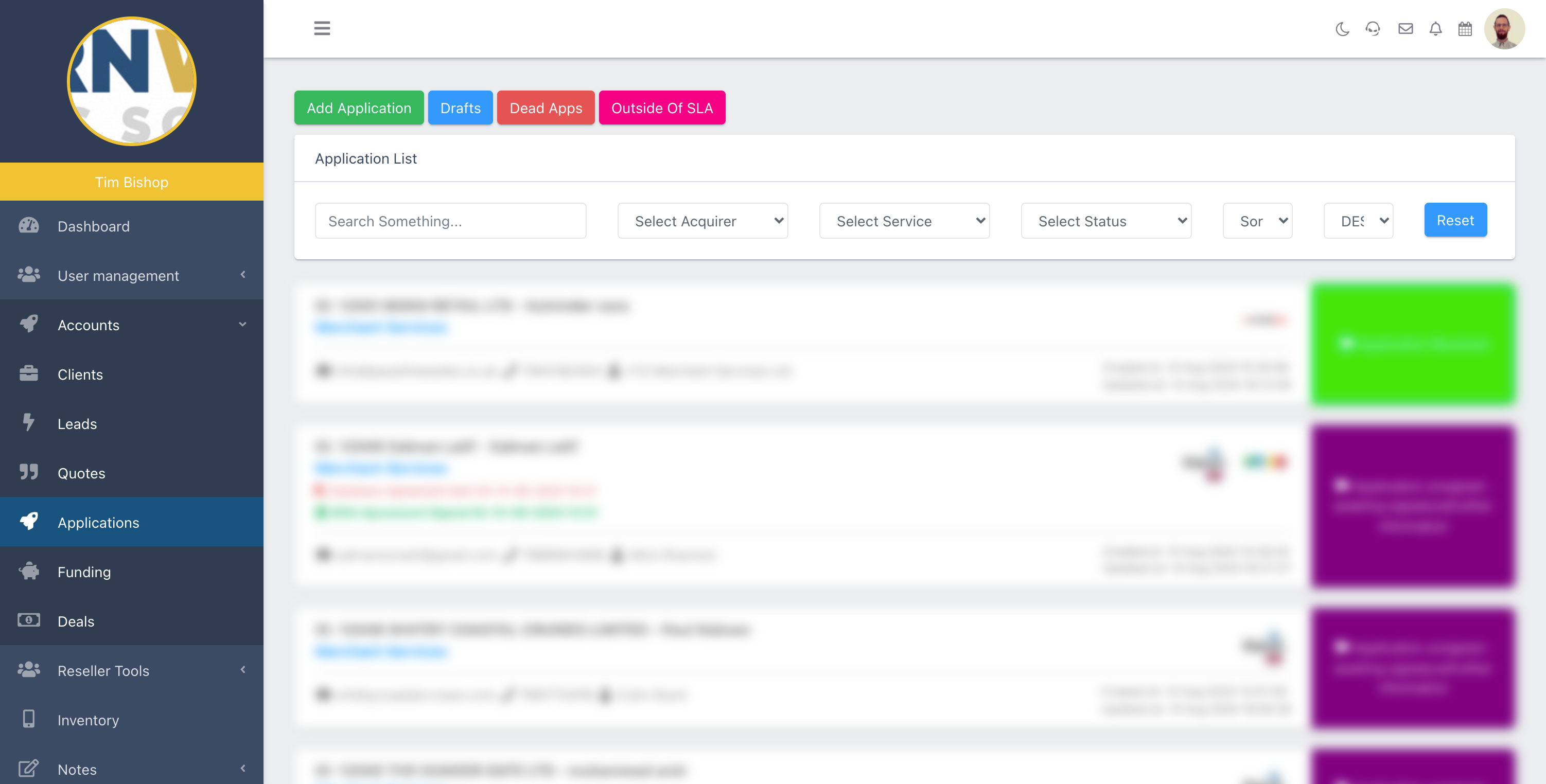
In this section of the Partner Portal, you can see all your Applications, filtering them by Acquirer, Service, Status, or Sorting by ID, Created or Updated, in Ascending or Descending order.
Adding an Application
How to Add a Merchant Services Application
To start a new application for Merchant Services, select 'Add Application' at the top of the Applications page.
Select Services
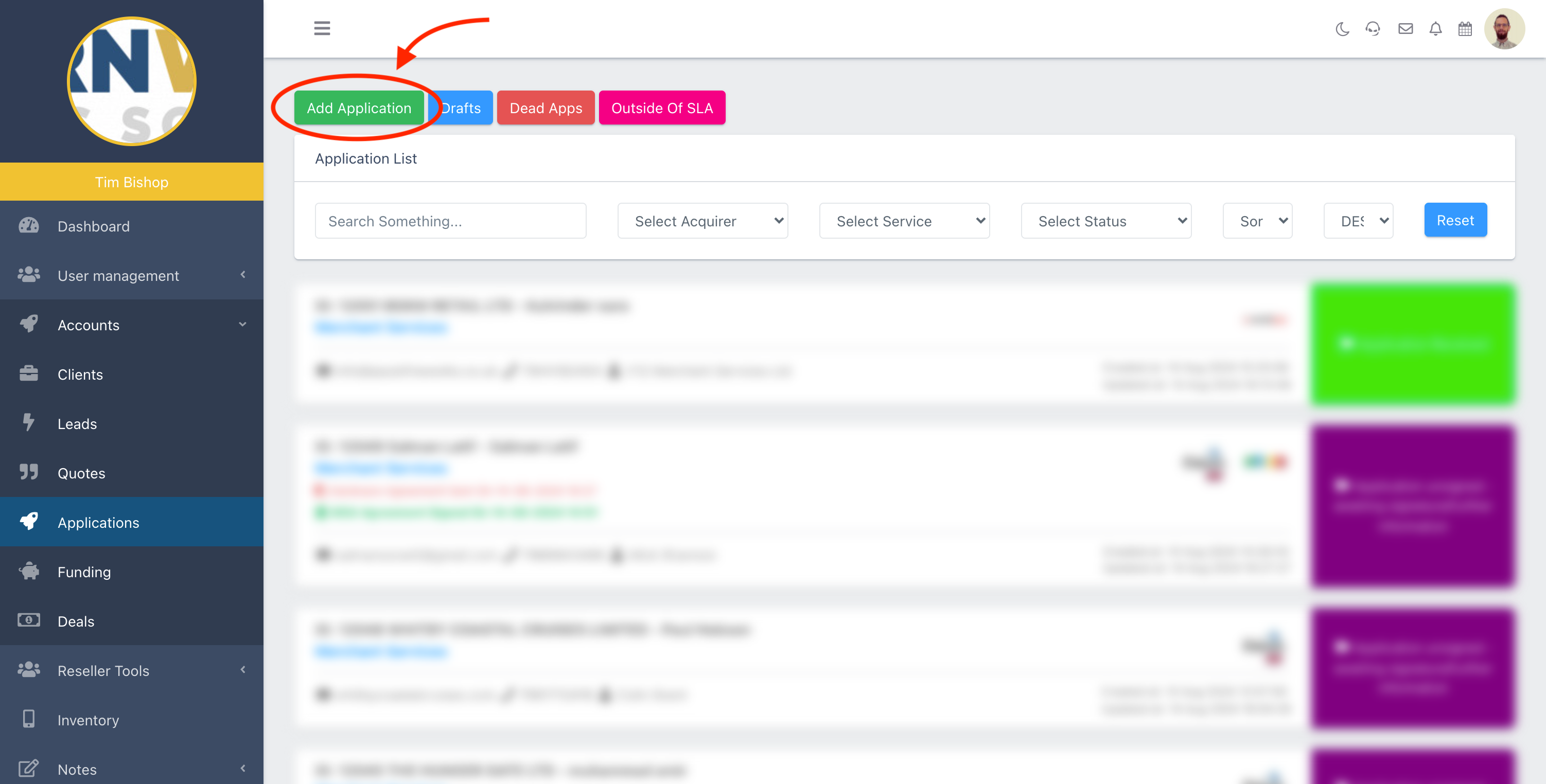
Choose the Products & Services
Here you can select one, some, or all of the services you're applying for on behalf of the Merchant.
Click each of the corresponding services you wish to apply for, and hit 'Next'.
Speedy vs. Regular Boarding
Fast-Track Applications for Specific Acquirers 🎉
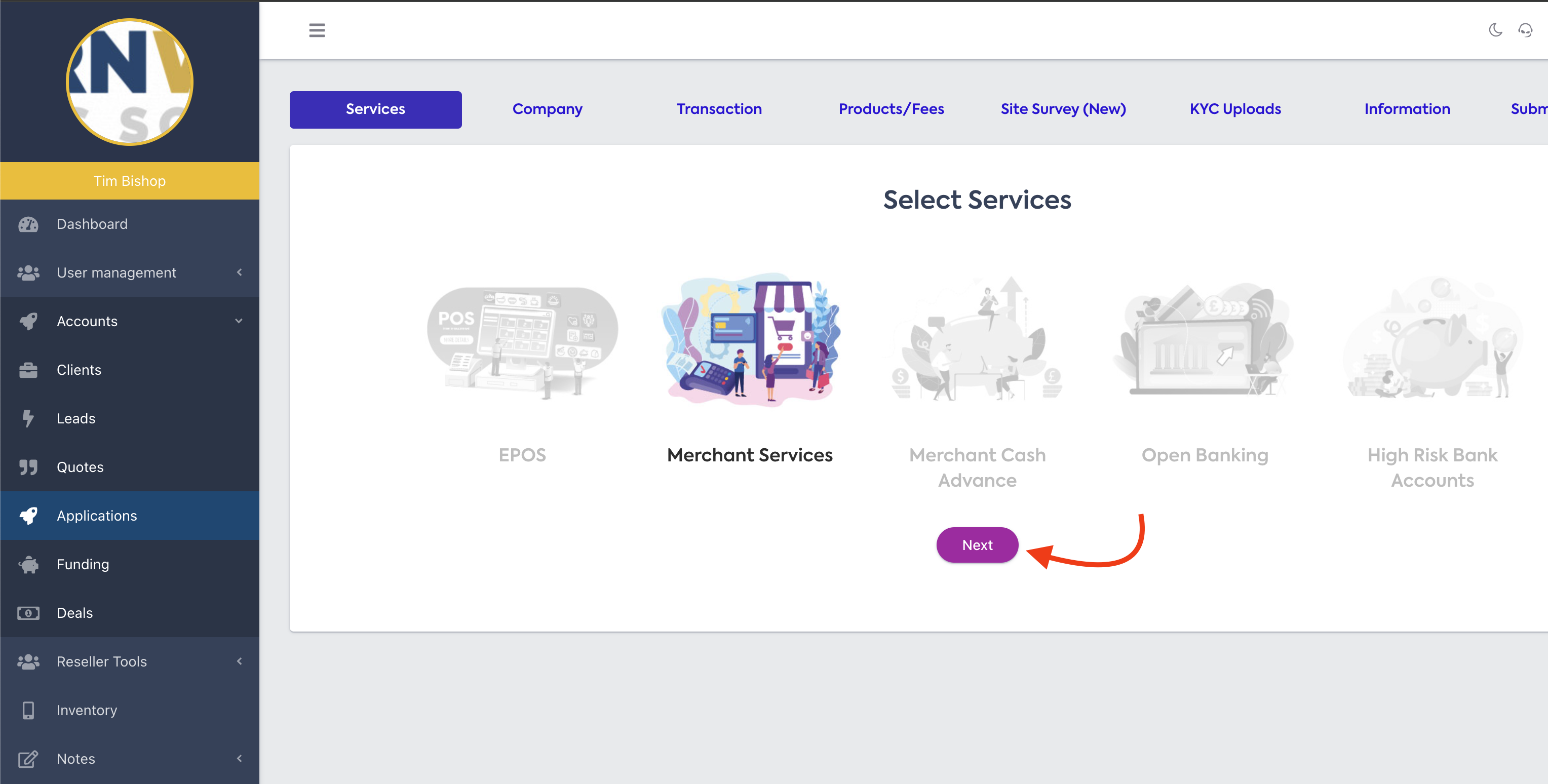
When you select your product or service. You'll see a popup that asks you to select Speedy or Regular Boarding.
💡 Speedy boarding is only available for some Acquirers.
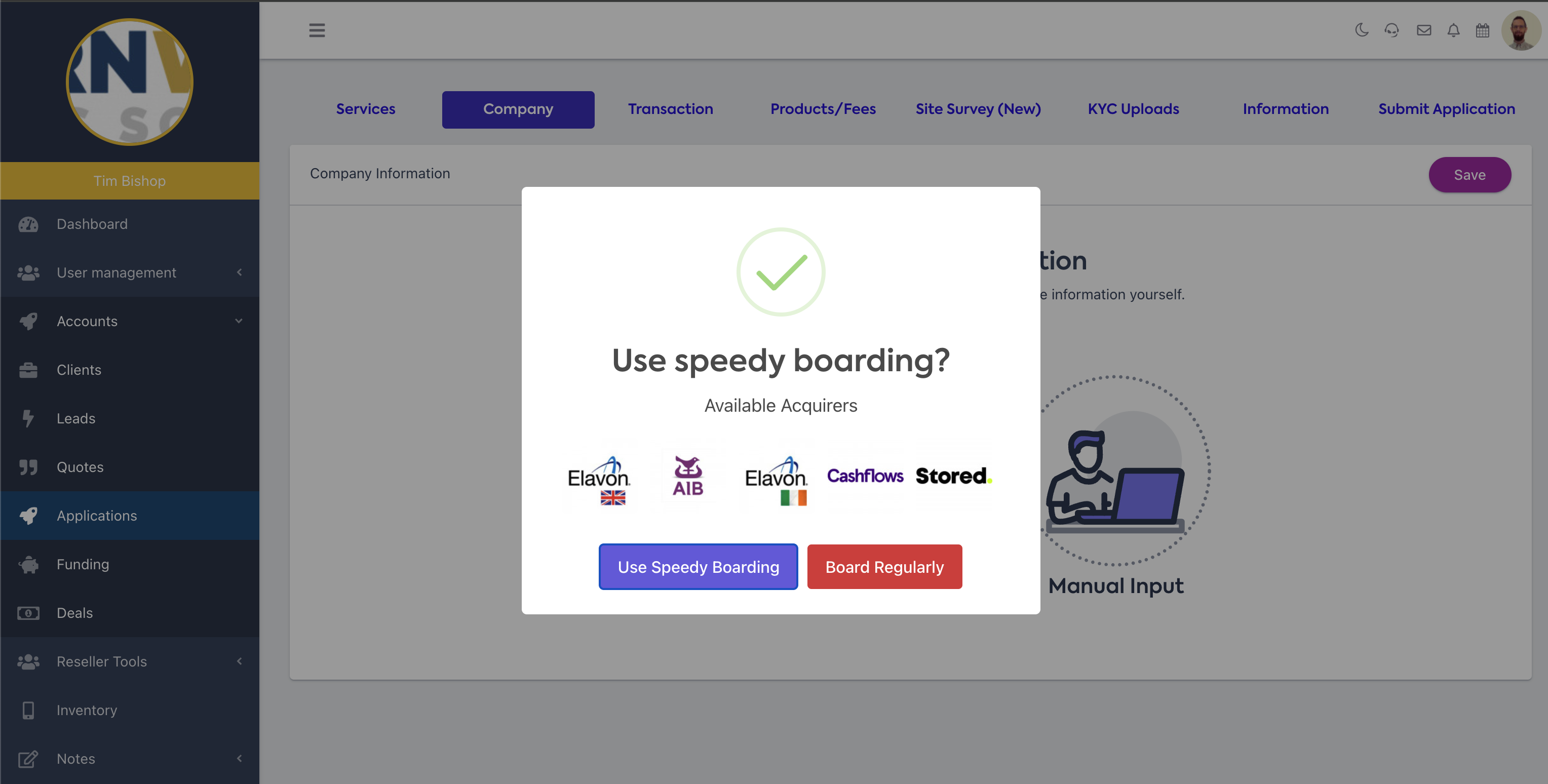
Select the boarding type you wish to use, and you'll see the corresponding Acquirers.
Company Information
Tell us about the Business 🏢
You'll need to give us information about the business you're applying for.
You can input this information manually, or select 'Companies House Lookup' to pre-fill some of the information from there directly.
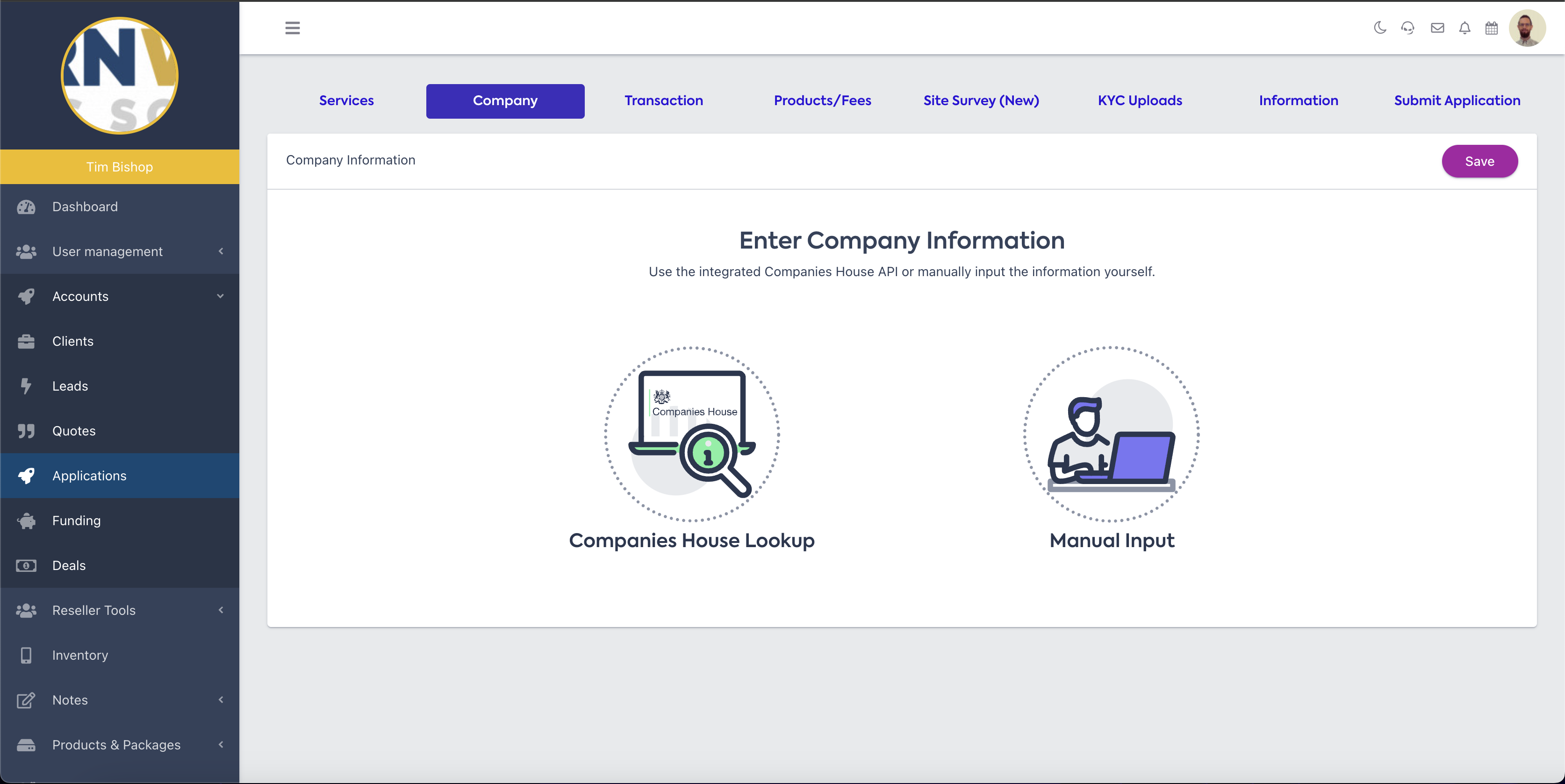
Companies House Lookup
If you select 'Companies House Lookup', you'll see the popup below.
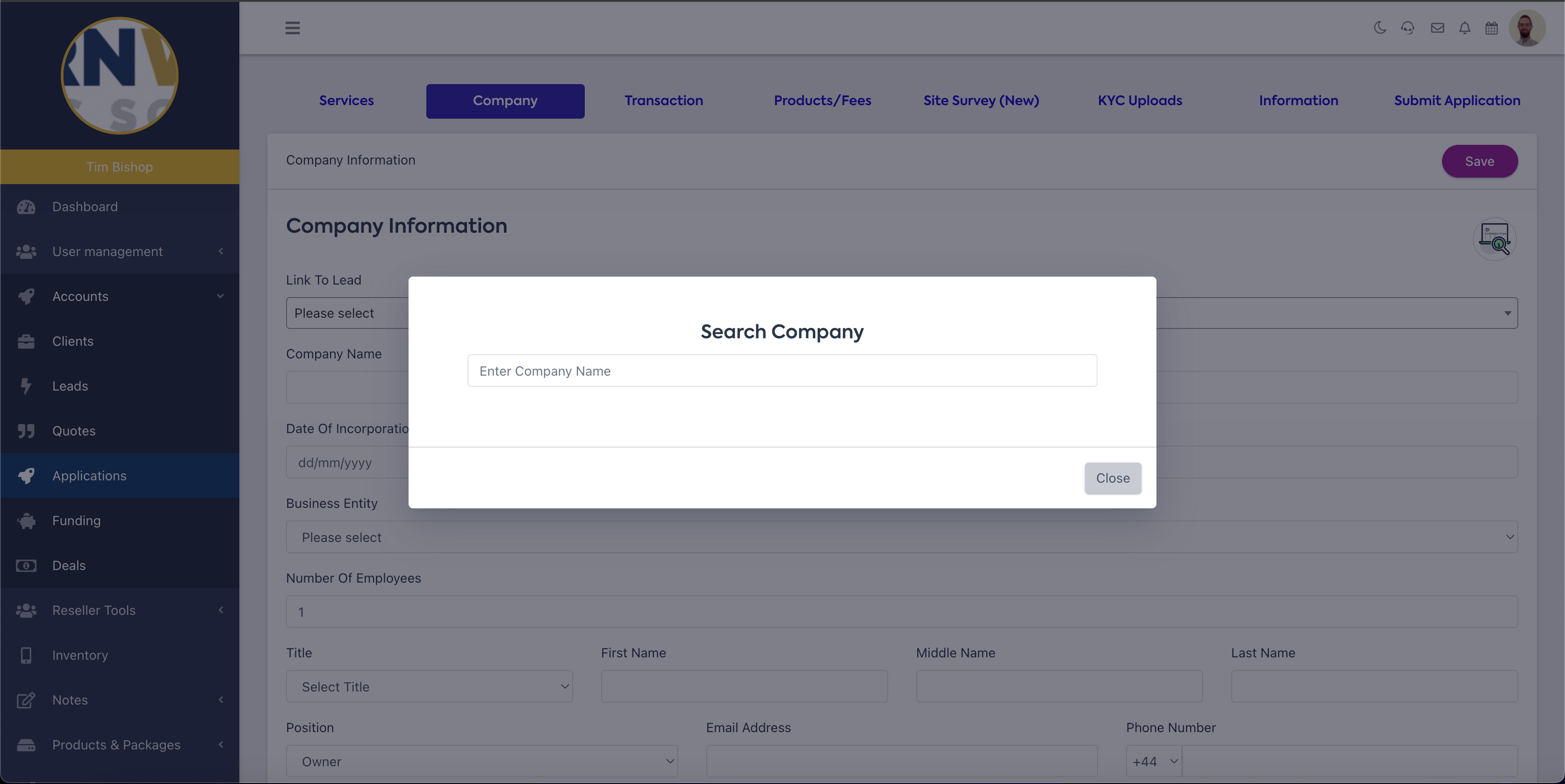
Start typing the company information to see the results.
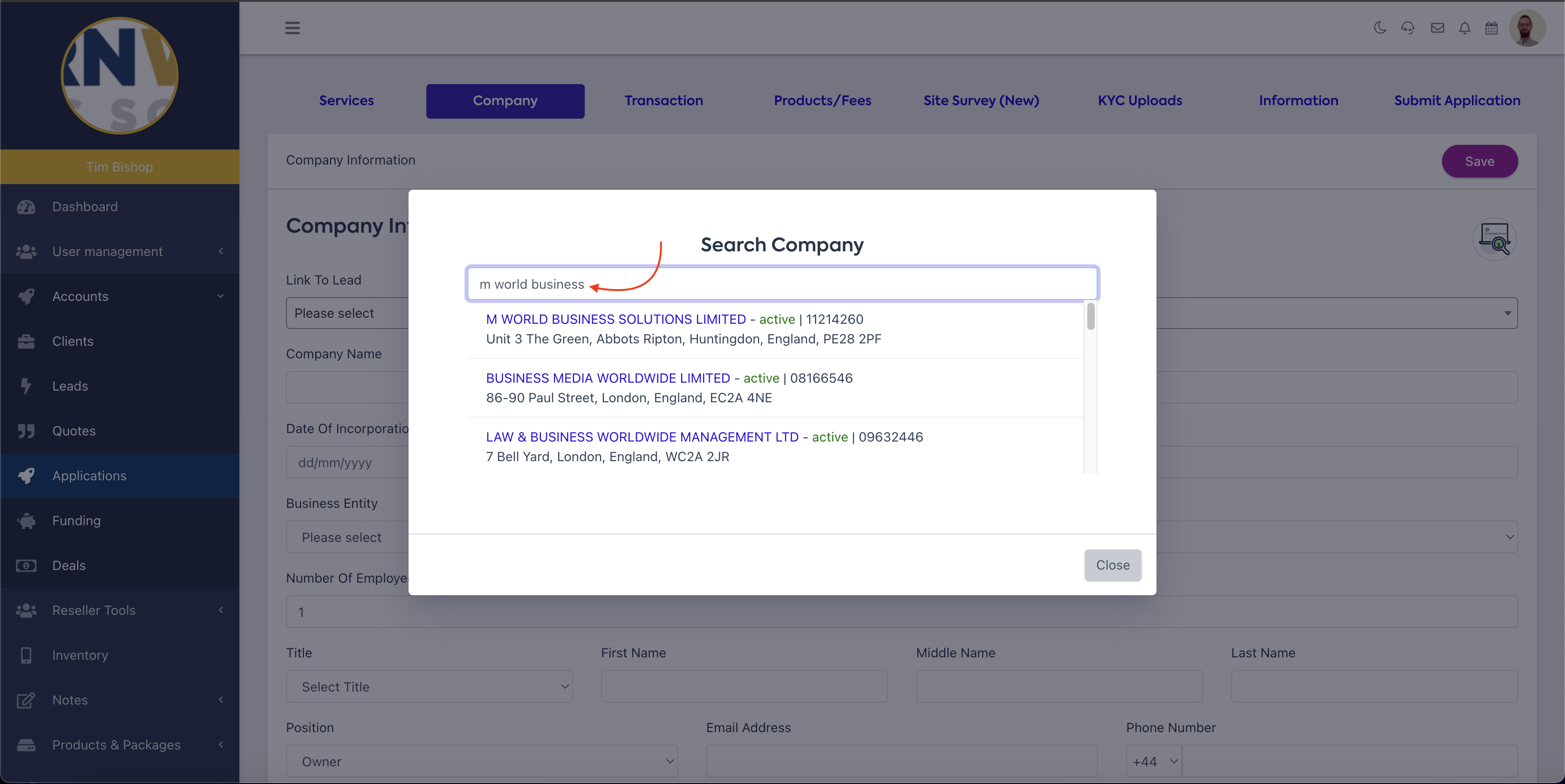
If you can see the business you're applying for, select it from the drop-down box that appears.
Manual Input/Company Information Cont.
test